A mid-size HVAC company's bonus for technicians who sell their own jobs was pulling from a report built around the day a job was sold, not the day it was actually finished and paid for. Payroll never matched. Here's how a rebuilt report, tested live against two real technicians' paychecks, fixed it for good.
Most field service platforms ship with a handful of built-in reports, and most of the time those reports are close enough to what a shop actually needs that nobody thinks twice about using them as-is. The trouble starts when "close enough" turns out to mean something structurally different from what your pay plan is actually built around, and nobody notices until payroll stops matching.
That's what happened at a mid-size HVAC installation and service company in the Northeast, one that also runs a membership program alongside its regular install and service work. The company pays technicians a bonus, often called a technician-generated-lead bonus, whenever a tech sells and completes their own job rather than one handed to them by a dedicated salesperson. It's a well-designed incentive: reward the technician for the extra selling work, on top of the install itself. The problem wasn't the incentive design. It was the report feeding it.
Membership-driven HVAC companies lean on this kind of self-generated-lead incentive more than most, because a technician who's already inside a member's home for a routine tune-up is often the best-positioned person in the company to spot and sell a replacement or upgrade. Getting that incentive right matters, both to reward the technician fairly and to keep the behavior it's rewarding, proactively flagging real opportunities, worth the extra effort.
A report built around the wrong date
The company had been calculating that bonus off ServiceTitan's canned lead-generation summary report, which is a perfectly reasonable report for a lot of purposes. But that report attributes revenue to the week a job was sold, not the week it was finished, installed, and paid for. And this company's bonus policy only pays out once all three of those things have happened: sold, installed, and paid.
For a job that gets sold and completed in the same week, that distinction never surfaces. For a job that gets sold on a Monday but doesn't finish installation and get paid until a week and a half later, it surfaces immediately, as a payroll number that simply doesn't match what the office calculated by hand.
"I think one of the reasons why we're not matching out is because we pay out once the job is sold, installed, and paid," the company's payroll lead explained on a follow-up call with their ShareWillow rep. "It does not time out to the same time as the reports of when it was sold." That's about as clean a diagnosis as you'll get from a non-technical person describing a technical data mismatch, and she was exactly right.
Manual payroll as the accidental source of truth
What made this particular mismatch findable is that the company was still doing this piece of payroll by hand, cross-checking every technician's bonus against the underlying jobs before cutting a check. That manual process is slow and doesn't scale, but it also meant there was a trustworthy, independently-calculated number to compare the automated report against every single pay period. Without that manual backstop, a systematically-wrong report can run for months looking plausible, because the numbers it produces aren't obviously broken, they're just built on the wrong date.
That's worth flagging on its own: if you're running any kind of bonus or commission calculation off a report you didn't build yourself, a period of parallel manual checking, even a rough one, is often the only way you'll ever catch a structural mismatch like this. A number that's wrong in a plausible-looking way rarely announces itself.
It's also worth noting how much trust the manual process had already earned by the time this call happened. Nobody on the team assumed the report was wrong out of suspicion of the software. They noticed a mismatch, and because they had a reliable independent number to compare it against, they were able to say with confidence that the report, not the payroll calculation, was the thing that needed fixing.

Building a report around the date that actually matters
Rather than trying to force the canned lead-generation report to behave differently, the ShareWillow rep built a new report from scratch, live on the call, joining two data sources that don't normally talk to each other in a single canned view: a jobs report carrying the job total, who generated the lead, and the completion date, joined to the invoices report carrying the last-paid date and the outstanding balance.
That join is what makes the fix work. Instead of asking "when was this job sold," the new report asks "when did this job's balance hit zero," which is the actual trigger the company's bonus policy is built around. A job sold in one week and paid off two weeks later now shows up in the pay period where it was actually, fully paid, not the week it happened to be sold.
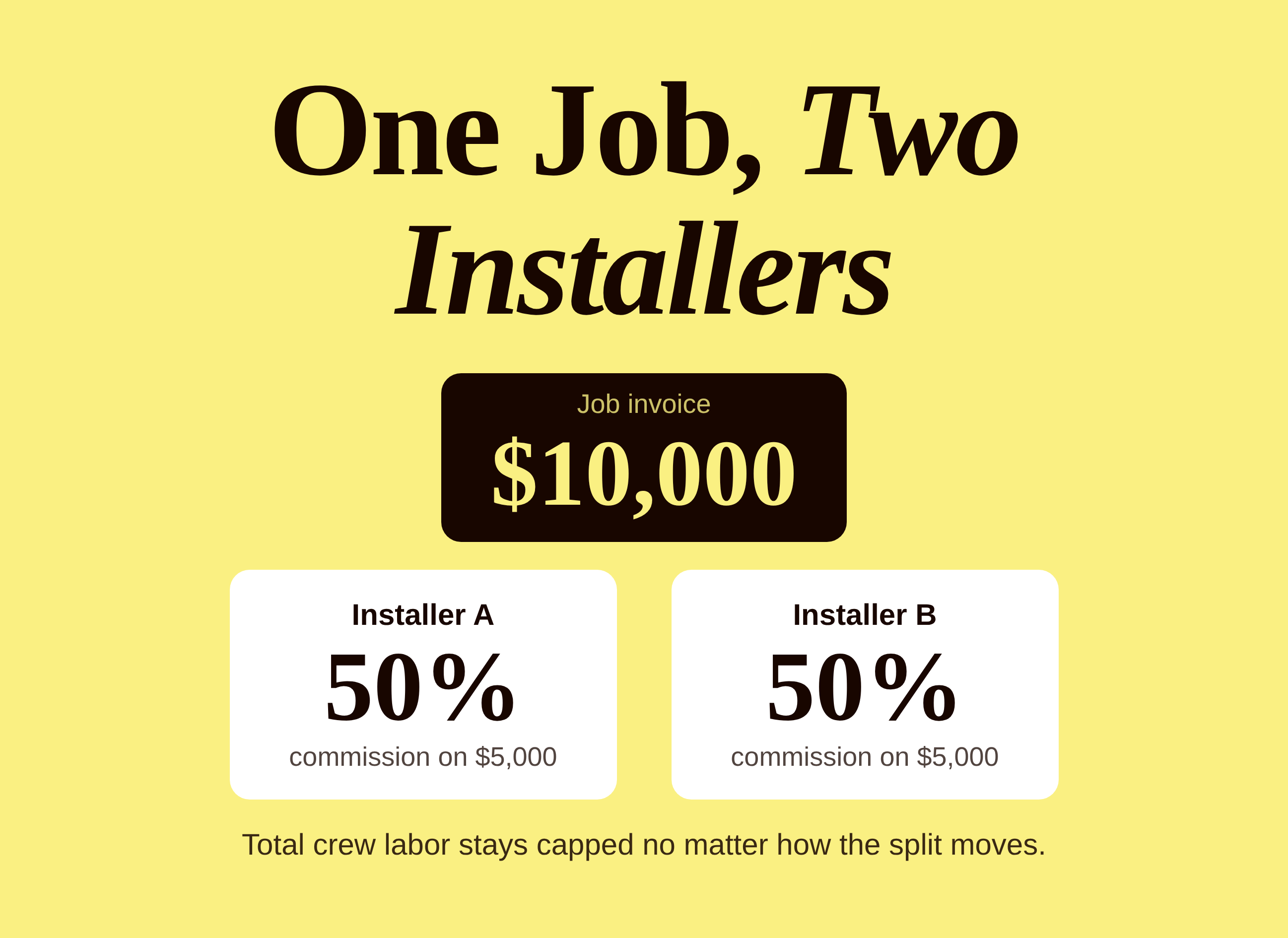
While rebuilding the report, the rep also cleaned up a rate inconsistency that had been sitting alongside the timing problem: the technician-generated-lead bonus is now standardized at a flat 2.5% of the job total for the technician, with any remainder going to a sales rep where one was also involved. On one example job discussed on the call, that worked out to 2.5% for the technician and 1.5% for the salesperson, a combined 4% on that job, calculated consistently instead of varying case by case.
Tested against a real payroll week, live
The real test of a rebuilt report isn't whether the logic sounds right, it's whether the numbers it produces match reality. So the team ran the new report against an actual, already-closed payroll week, August 10th through the 14th, for two technicians, and compared it directly against the company's own manually-calculated numbers for that same week.
The corrected, paid-date-based report pulled two real, fully-closed jobs: one worth $14,894, the other worth $6,005, both showing a zero balance, meaning both had actually been paid in full. Both numbers lined up with what the payroll lead had already calculated by hand for that week.
"If we ran it for the 10th through the 14th, it should match up with our payroll," she said, watching the numbers come up. A beat later, comparing them against her own spreadsheet: "Okay. Good."
That's a small moment in the transcript of the call, but it's the whole point of the exercise. A report is only trustworthy once it's been checked against a number you already know is right, not just once it's been rebuilt to look more logical.
There's a broader habit worth taking from this moment too: whenever you rebuild any report that touches pay, don't just check that the logic makes sense on paper. Pick an already-closed period with numbers you trust, run the new report against it, and treat any mismatch as a reason to keep digging rather than a rounding error to wave off.

Profit sharing
made simple.
Give your team a stake in the company’s success. ShareWillow helps you create and manage profit-sharing programs that motivate employees and drive business results.
Why the sold date is the wrong default for most bonus plans
It's worth zooming out on why this particular mismatch is so common. Most field service platforms default to organizing revenue reports around the sale date, because that's the date that matters most for sales pipeline tracking, forecasting, and marketing attribution. Those are legitimate, important uses. They're just not the same use as "when should a technician get paid a bonus," which usually depends on the job actually being finished and the customer actually having paid.
Any shop that borrows a canned, sale-date-oriented report to calculate a bonus that's supposed to trigger on completion or payment is quietly building a timing mismatch into its pay plan, whether or not anyone's noticed it yet. The fix isn't complicated once you see it: build or request a report keyed to the date your policy actually cares about, whether that's completion, invoice date, or paid-in-full date, and stop relying on whichever report happens to be one click away in your platform's default library.
The other lesson here is about backfilling once you find the problem. Once the new report structure was validated, the team went back and reran it across historical weeks too, so the correction wasn't just applied going forward, past periods got recalculated on the same, correct logic rather than left inconsistent with everything after them.
A quick check for your own lead or sales bonus
If any part of your pay plan rewards technicians or salespeople for generating and closing their own leads, a few things worth confirming this week:
- What date does your bonus report actually key off? Pull up the report and check: is it the sale date, the completion date, or the paid date? If your policy says "paid" but your report says "sold," you have the exact mismatch described here.
- Do you have a manual cross-check, even a rough one? A parallel hand-calculation, even for a sample of jobs each period, is often the only way a timing mismatch like this ever surfaces.
- Is your bonus rate applied consistently? If a technician and a salesperson can both touch the same job, make sure the split between them is a fixed rule, not a case-by-case judgment call that's hard to audit later.
- Have you backfilled corrected periods, or just fixed things going forward? A report fix that only applies from today onward leaves old, mismatched numbers sitting in your records indefinitely.
None of this requires ripping out your field service platform. It requires knowing exactly which date your pay policy depends on, and making sure the report calculating it agrees.
You're not the only shop chasing a mismatched report
Reports that look right but are quietly keyed to the wrong moment in a job's lifecycle are one of the most common, least visible reasons a commission or bonus plan stops matching payroll. One electrical contractor found the opposite failure mode, revenue marked complete that was never actually finished or paid for, while another shop had to run real numbers through three different commission structures before settling on one they trusted.
Whatever the specific failure looks like, the fix is almost always the same: know exactly which date and which dollar figure your plan is supposed to be built on, and check your report against that, not the other way around. If your HVAC team runs any kind of lead-generation or sales incentive pay, it's worth a few minutes this week confirming your report is keyed to the date your policy actually pays on.
Related reading
Conclusion
A bonus report keyed to the sale date will drift from a policy that pays on completion, every single week that gap exists. Match the report to the date your policy actually cares about.
Create incentives
that
drive results
You shouldn't need complex equity plans to align your team. ShareWillow makes it simple to create transparent profit-sharing programs that motivate employees and grow your business.

Incentive plans to help
small businesses thrive.
.png)
"I was able to leverage the knowledge of the ShareWillow team to learn how other companies were designing their bonus plans. The template was extremely helpful."

Brian Tustin
Owner, First Rate Movers