Bonuses on real hours from QuickBooks Time.
ShareWillow reads hours from your QuickBooks Time timesheet reports, so efficiency bonuses and labor cost targets run on the hours your team actually works.
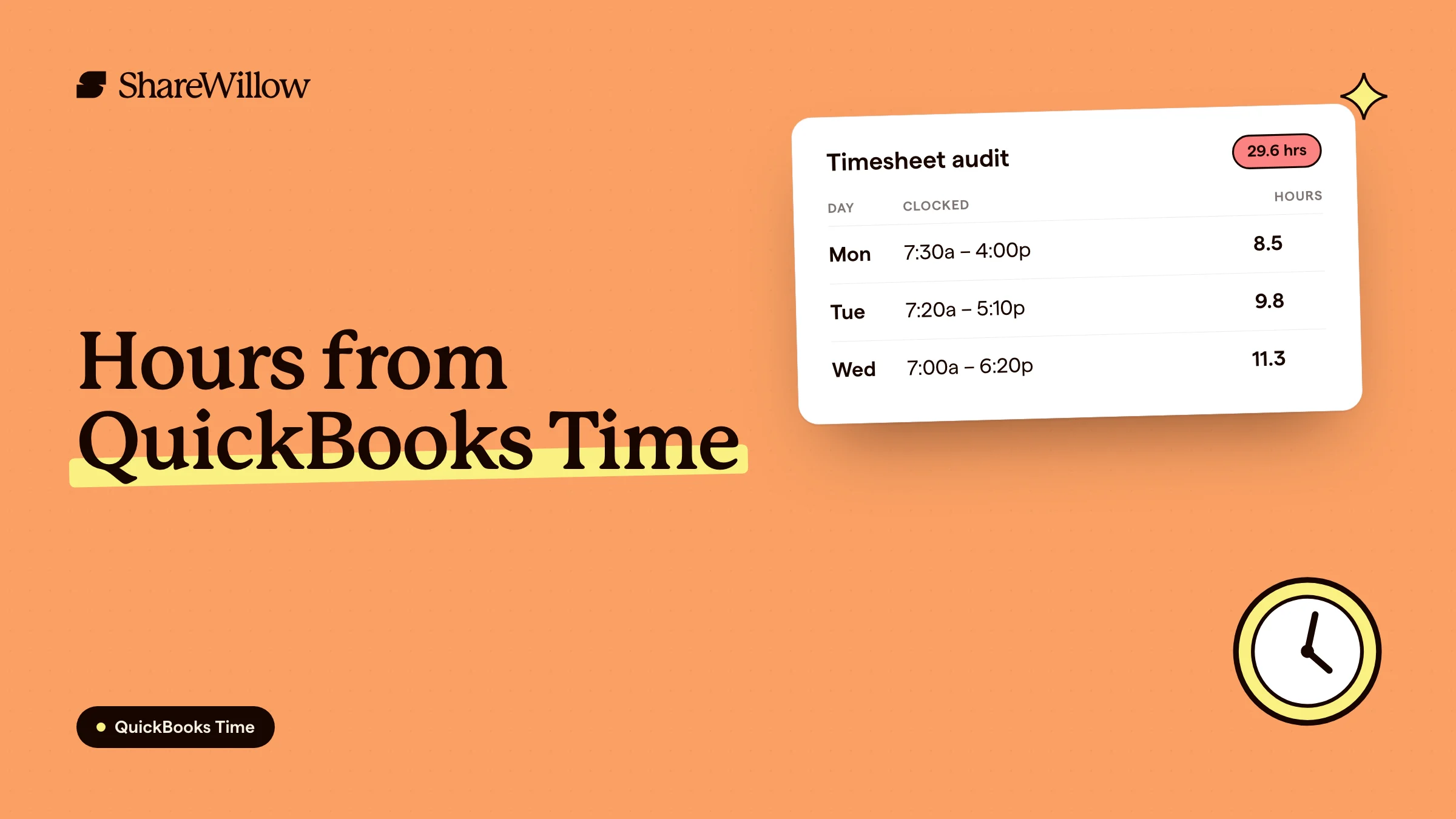
Running ShareWillow on QuickBooks Time hours
QuickBooks Time stays the source of truth. ShareWillow reads the numbers your plan pays on and calculates every payout.
- 01
In QuickBooks Time, set up the timesheet report your plan pays on.
- 02
Connect it to ShareWillow as a Google Sheet that refreshes on a schedule, a CSV or Excel upload, or a report emailed in on a schedule.
- 03
Map the people in the report to your employees once. Rows that couldn't be imported are listed so you can fix them.
- 04
ShareWillow calculates every payout from it, along with any other data your plan uses.
The QuickBooks Time numbers your plan can pay on
Hours worked
Hours per person from your QuickBooks Time timesheets.
Overtime
Count overtime against a bonus, or keep it out.
Revenue per hour
Combine with your job data to pay on revenue per hour worked.
Labor cost
Gate commission on a labor cost percentage.
Commission, spiffs and bonuses on QuickBooks Time
Plans businesses that track time in QuickBooks Time run on QuickBooks Time. Build one in the Incentive Plan Builder and see what each person would have earned on your own history before you publish it.
Efficiency bonuses
Pay on hours sold or billed against hours worked, so the fastest good work earns the most.
Labor cost targets
Gate commission on a labor cost percentage, so pay grows only when the job covers it.
Revenue per hour
Reward revenue per hour worked instead of revenue alone, so long days don't beat good days.
Overtime-aware payouts
Count overtime against a bonus, or keep it out, the way your plan says.
How other businesses set up their plans
- Irrigation Technician Bonus Plan: How a 3-Technician Company Is Paying on Job Margin Above 60% and Counting Job Overtime Against It
- HVAC Labor Cost Percentage: How One Company Turned a 20% Labor Target Into a $14,000 Revenue Minimum for a $32-an-Hour Technician
- How to Pay Handyman Technicians: How One Company Is Holding Pay, Overtime, and Bonuses to 25% of a $145 Billed Hour
- Technician Efficiency Bonus: Why a Plumbing Company Is Pulling Bid Jobs That Run Past Their Sold Hours Out of the Bonus
- Switching From Hourly to Performance Pay: How a Plumbing and HVAC Company Tested 10% Sold Plus 10% Completed Against 4 Real Weeks
- How to Pay Electricians: How a 7-Technician Company Pays $37.50 per Labor Hour Sold and $37.50 per Hour Worked
ShareWillow and QuickBooks Time
ShareWillow doesn't have a direct QuickBooks Time connector. It reads hours from your QuickBooks Time timesheet reports through a Google Sheet that refreshes on a schedule, a file upload or a scheduled email.
Hours worked: Hours per person from your QuickBooks Time timesheets. Overtime: Count overtime against a bonus, or keep it out. Revenue per hour: Combine with your job data to pay on revenue per hour worked. Labor cost: Gate commission on a labor cost percentage.
Yes. Every technician gets the ShareWillow app for iPhone and Android, in English or Spanish. It shows what they've earned this period, how each plan pays, progress toward every goal, every past payout and, if you turn it on, a leaderboard.
No. ShareWillow calculates the incentive pay; your payroll still runs where it does today. When payouts are final, export a Payout Report or a payroll file for Gusto or Inova.
One plan, priced per person on a performance pay plan: $50 a month per person for small teams, dropping to $35 as the team grows, with a $299 monthly minimum. A one-time Plan Design & Launch fee starts at $1,500, where a ShareWillow specialist audits your data, designs the plan and launches it with your team. Office staff and owners are free, and there's a 30-day money-back guarantee.
More integrations: ServiceTitan · Jobber · Housecall Pro · Tekmetric · Workiz · Service Fusion · ServiceTrade · Zuper · JobTread · FieldPulse · GorillaDesk · FieldRoutes · DripJobs · AccuLynx · JobNimbus · FieldEdge · Zoho · Buildium · Gusto · Inova · ADP RUN · Paychex Flex · QuickBooks Payroll · ADP Workforce Now · UKG · BambooHR · CrossChex Cloud · Connecteam · QuickBooks Online · Google Sheets · Google Reviews · Dialpad · iWallet · Retail Edge · All integrations
Run your QuickBooks Time numbers on a free call.
We'll connect QuickBooks Time, show you what a performance pay plan would pay each person, and what it would do to your average ticket and callbacks.
- See a custom plan built from your data
- Learn what hundreds of service businesses pay their top techs
- One-on-one with a plan specialist
ShareWillow has designed and implemented performance pay and incentive plans for hundreds of service businesses.

“I would 100% encourage people to do performance pay, and definitely partner with ShareWillow.”