Profit sharing and sales commission from QuickBooks Online.
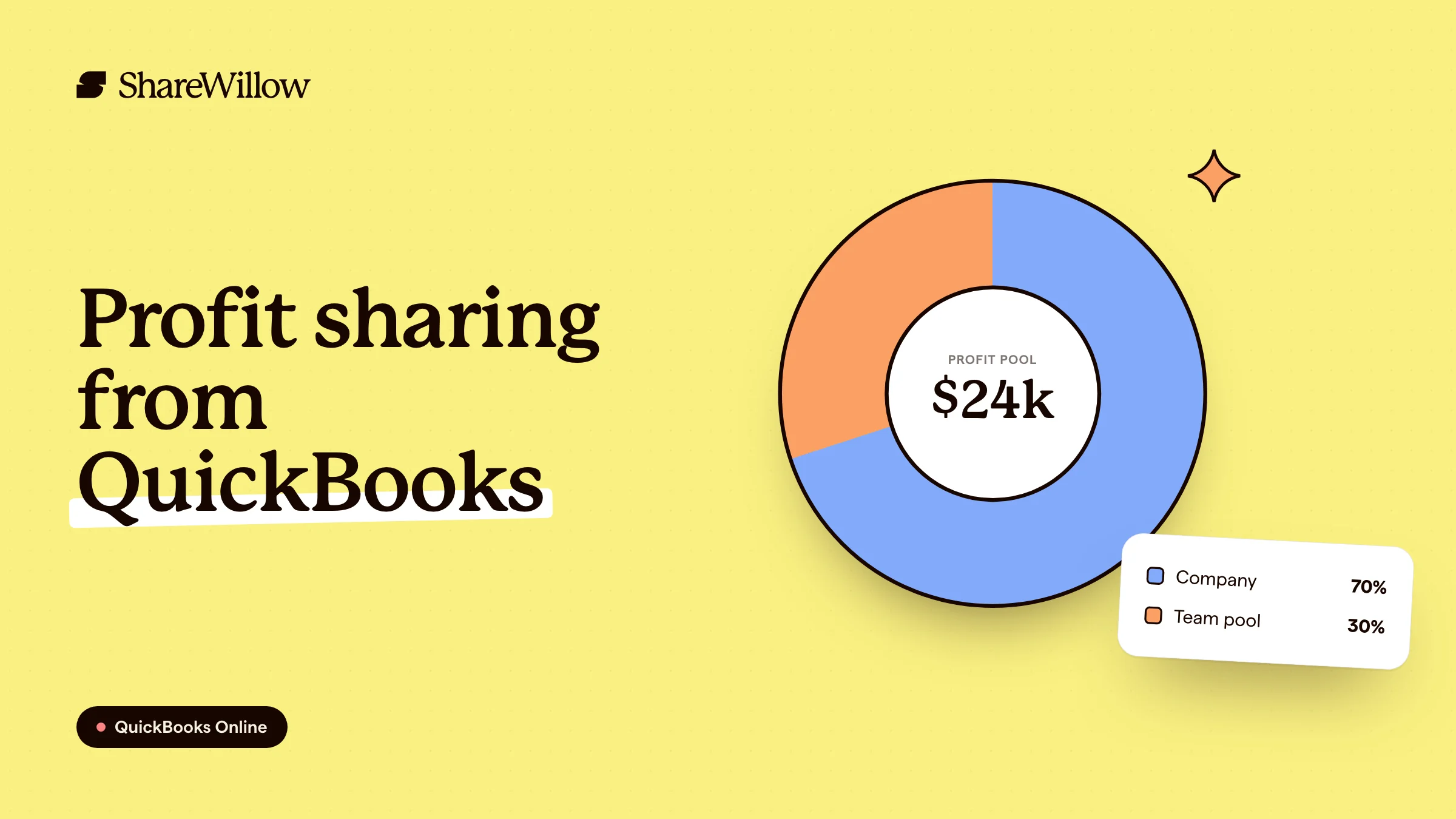
ShareWillow brings QuickBooks Online invoices and monthly profit and loss into your plans, so you can pay sales reps on invoices and share profit only when there is profit.
Connect QuickBooks Online once. Payouts run themselves.
QuickBooks Online stays the source of truth. ShareWillow reads the numbers your plan pays on and calculates every payout.
- 01
ShareWillow's team connects QuickBooks Online for you through Intuit sign-in.
- 02
It brings in invoices, including sales rep, and monthly profit and loss.
- 03
QuickBooks works alongside your field service software, which supplies per-technician job data.
- 04
Plans that use profit and loss run monthly or longer.
The QuickBooks Online numbers your plan can pay on
Invoices by sales rep
Invoiced revenue per rep, for sales commission.
Profit and loss
Monthly profit, for a profit sharing pool that only pays when there's profit.
Cost of goods and margin
Gross margin, as a gate on every bonus.
Company targets
Monthly revenue or profit goals, for a team bonus.
Commission, spiffs and bonuses on QuickBooks Online
Plans businesses that keep their books in QuickBooks Online run on QuickBooks Online. Build one in the Incentive Plan Builder and see what each person would have earned on your own history before you publish it.
Commission on sold and completed revenue
Pay a percentage of what each technician sells, what they complete, or a split of both, so the person who sells the job and the person who does the work both get credit.
Spiffs
Flat dollars or a percentage for the things you want more of: memberships, leads turned over to sales, add-ons, financing, five-star reviews.
Bonuses with guardrails
Tiered or threshold bonuses on revenue, average ticket or efficiency, with qualifiers like callbacks, recalls or reviews so no one gets paid for rushing.
Team and profit-based bonuses
Pool bonuses for crews or the whole company, gated on gross margin or labor cost percentage so payouts only grow when profit does.
How other businesses set up their plans
- Irrigation Technician Bonus Plan: How a 3-Technician Company Is Paying on Job Margin Above 60% and Counting Job Overtime Against It
- Plumbing Profit Sharing Plan: How One Company Shares 20% of Profit Above a $100,000 Floor and Half of Gross Profit Over 58%
- Comfort Advisor Commission Structure: Why an HVAC Company Is Rebuilding a 6% to 12% Plan Around a 38% Gross Margin
- Plumbing Installer Pay: How a California Plumbing Company Is Tying Installer Incentives to Job Margin and Paid-in-Full Jobs
- Technician Bonus Plan Based on Company Profit: How an Electrical Company Gates Every Bonus on Net Profit and a 47% Team Margin
- Project Manager Commission Structure: How a Service Company Found a 47% vs 44.67% Margin Gap Before Paying a Dollar
ShareWillow and QuickBooks Online
Yes. ShareWillow connects to QuickBooks Online and brings in invoices (including sales rep) and monthly profit and loss, cost of goods and margin. It works alongside your field service software, since QuickBooks has no per-technician job data. Our team sets up the connection.
Invoices by sales rep: Invoiced revenue per rep, for sales commission. Profit and loss: Monthly profit, for a profit sharing pool that only pays when there's profit. Cost of goods and margin: Gross margin, as a gate on every bonus. Company targets: Monthly revenue or profit goals, for a team bonus.
Yes. Every technician gets the ShareWillow app for iPhone and Android, in English or Spanish. It shows what they've earned this period, how each plan pays, progress toward every goal, every past payout and, if you turn it on, a leaderboard.
No. ShareWillow calculates the incentive pay; your payroll still runs where it does today. When payouts are final, export a Payout Report or a payroll file for Gusto or Inova.
One plan, priced per person on a performance pay plan: $50 a month per person for small teams, dropping to $35 as the team grows, with a $299 monthly minimum. A one-time Plan Design & Launch fee starts at $1,500, where a ShareWillow specialist audits your data, designs the plan and launches it with your team. Office staff and owners are free, and there's a 30-day money-back guarantee.
More integrations: ServiceTitan · Jobber · Housecall Pro · Tekmetric · Workiz · Service Fusion · ServiceTrade · Zuper · JobTread · FieldPulse · GorillaDesk · FieldRoutes · DripJobs · AccuLynx · JobNimbus · FieldEdge · Zoho · Buildium · Gusto · Inova · ADP RUN · Paychex Flex · QuickBooks Payroll · ADP Workforce Now · UKG · BambooHR · CrossChex Cloud · QuickBooks Time · Connecteam · Google Sheets · Google Reviews · Dialpad · iWallet · Retail Edge · All integrations
Run your QuickBooks Online numbers on a free call.
We'll connect QuickBooks Online, show you what a performance pay plan would pay each person, and what it would do to your average ticket and callbacks.
- See a custom plan built from your data
- Learn what hundreds of service businesses pay their top techs
- One-on-one with a plan specialist
ShareWillow has designed and implemented performance pay and incentive plans for hundreds of service businesses.

“I would 100% encourage people to do performance pay, and definitely partner with ShareWillow.”