Payouts
Auto-confirm payouts
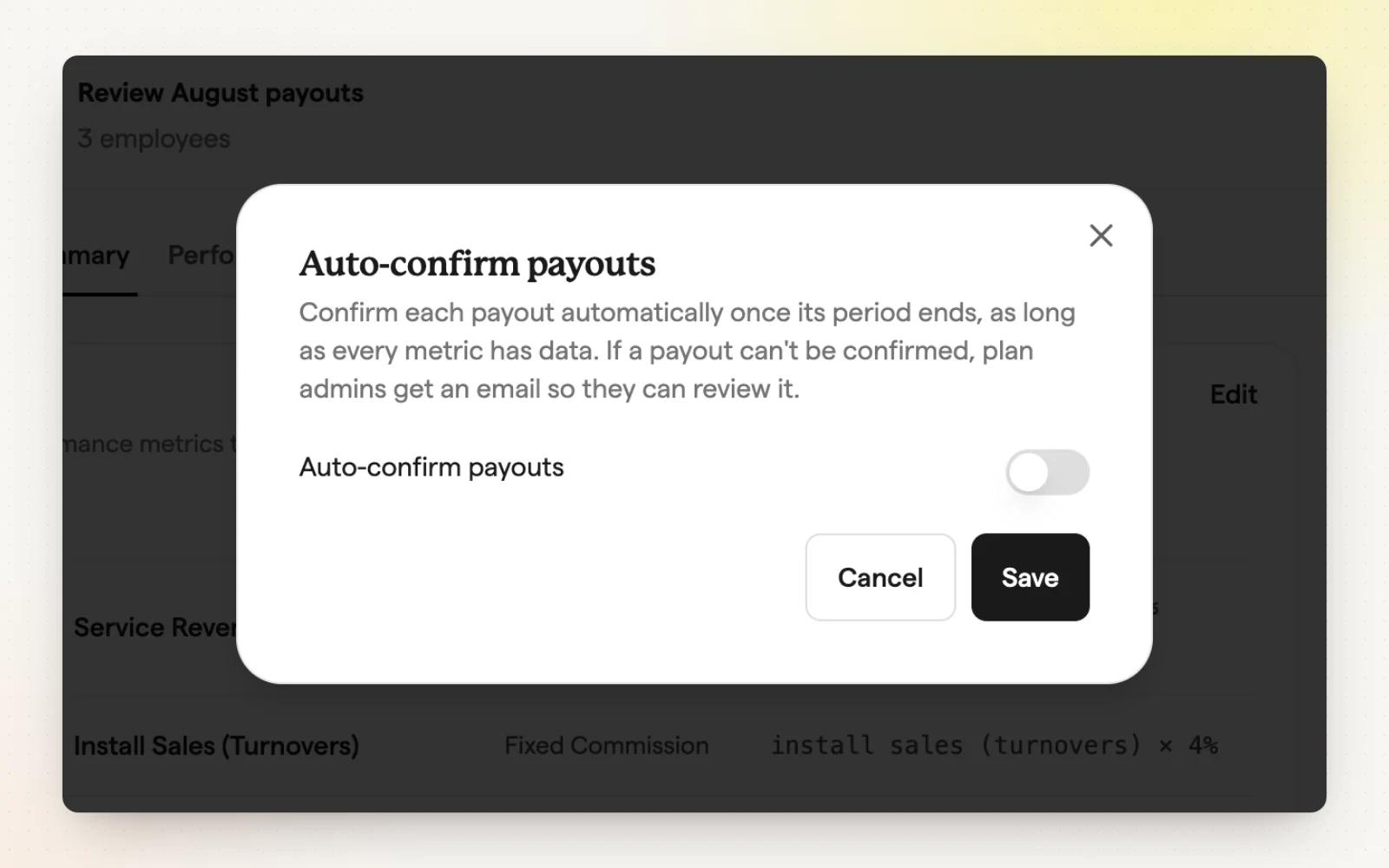
Auto-confirm finalizes a plan's payouts on its own after the period ends. It saves time on plans you trust, and you get an email either way.
How it works
- Turn on “Auto-confirm payouts” from a plan's details page.
- Set how many days to wait after the period ends.
- Choose whether to email participants when payouts confirm.
- If something needs review, like missing data, it waits and emails you why.
Related
- Review and approve payouts — Nothing pays out until you approve it.