Willow Texts
Set up Willow Texts
Setup walks you through four steps. Nothing is sent until the last one, when you invite technicians.
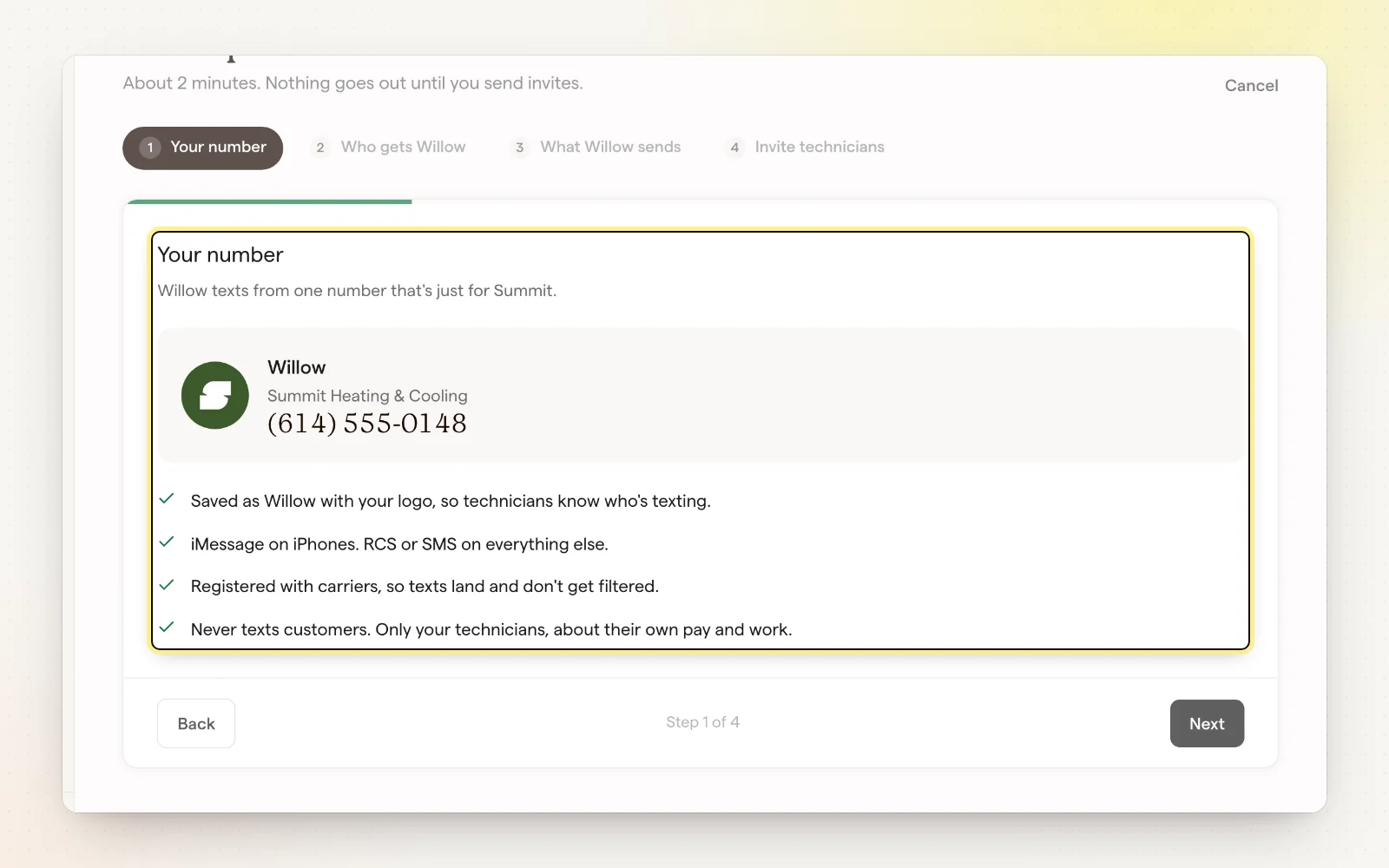
The four steps
- Your number: see the number Willow texts from, saved as Willow with your company name and logo.
- Who gets Willow: pick the technicians to invite (they need to be in People first), and who handles pay questions, disputes and timesheet fixes.
- What Willow sends: turn each automatic text on or off.
- Invite technicians: each one gets a short intro text and replies YES to start.
After you send invites
- Willow sends one reminder if a technician hasn't replied.
- Unanswered invites show under Needs you, so you can resend.
- Add more technicians any time with “Add technicians.”
Related
- What Willow sends — Automatic texts for payouts, progress and goals.
- People — Add, edit and invite your team.