Plans
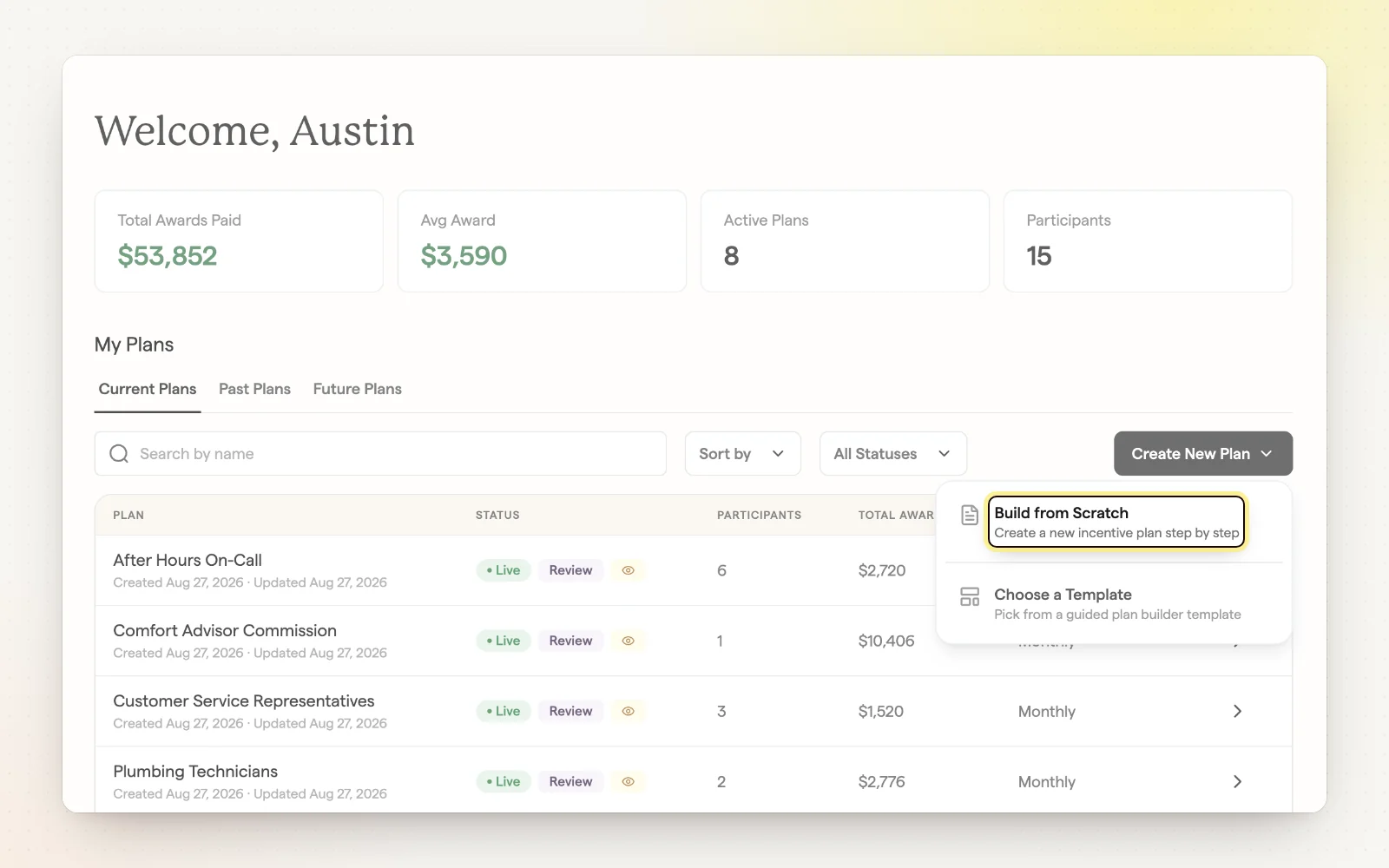
Build a plan
The Incentive Plan Builder walks you through every part of a plan, from who's in it to how each number pays. Your progress saves as a draft, and you can see what each technician would have earned before you publish.
How it works
- Name the plan and set a payout frequency: weekly, biweekly, twice a month, monthly and longer.
- Pick a plan type, then set up awards, thresholds and qualifiers.
- Choose participants by name, department or role. One person can be in several plans.
- Review the summary and modeled payouts, then publish.
Related
- Plan templates — Start from a proven plan instead of a blank page.
- Plan types — Team, individual or job-based: choose how you reward.
- Participants and visibility — Control who's in a plan and who sees it.