Plans
Participants and visibility
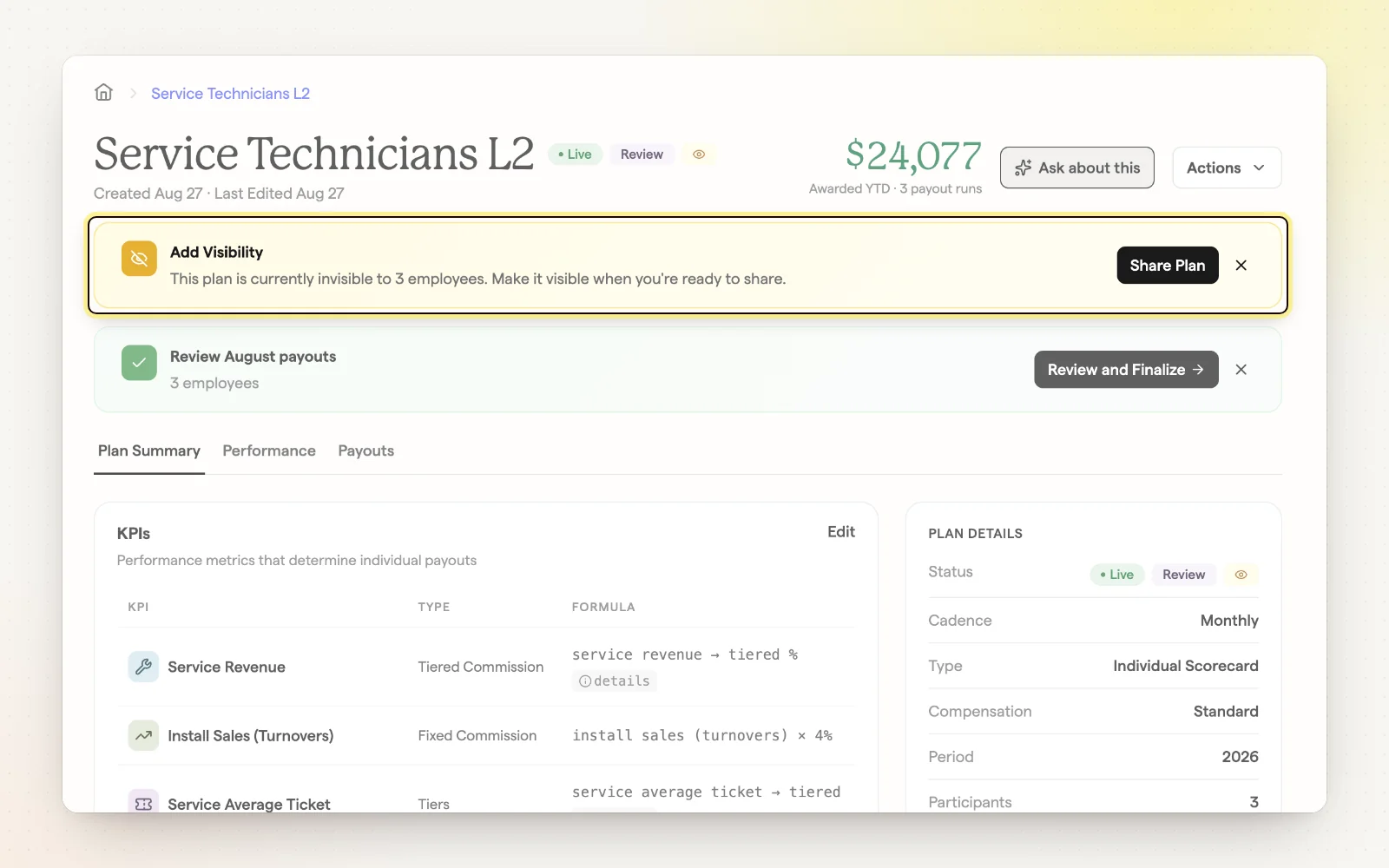
You choose who is in each plan and when they can see it. Set things up quietly and launch when the team is ready.
How it works
- “Invite Employees” sends email invites and shows the plan right away.
- “Make Visible Only” shows the plan in their account without an email.
- “Keep Hidden” keeps the plan out of sight until you're ready.
- Add or remove participants any time from the plan's details page.
Related
- Invite your team — How technicians get their invite and first sign-in.
- What your team sees — Preview plans exactly as an employee does.