Dashboards & leaderboards
Dashboards
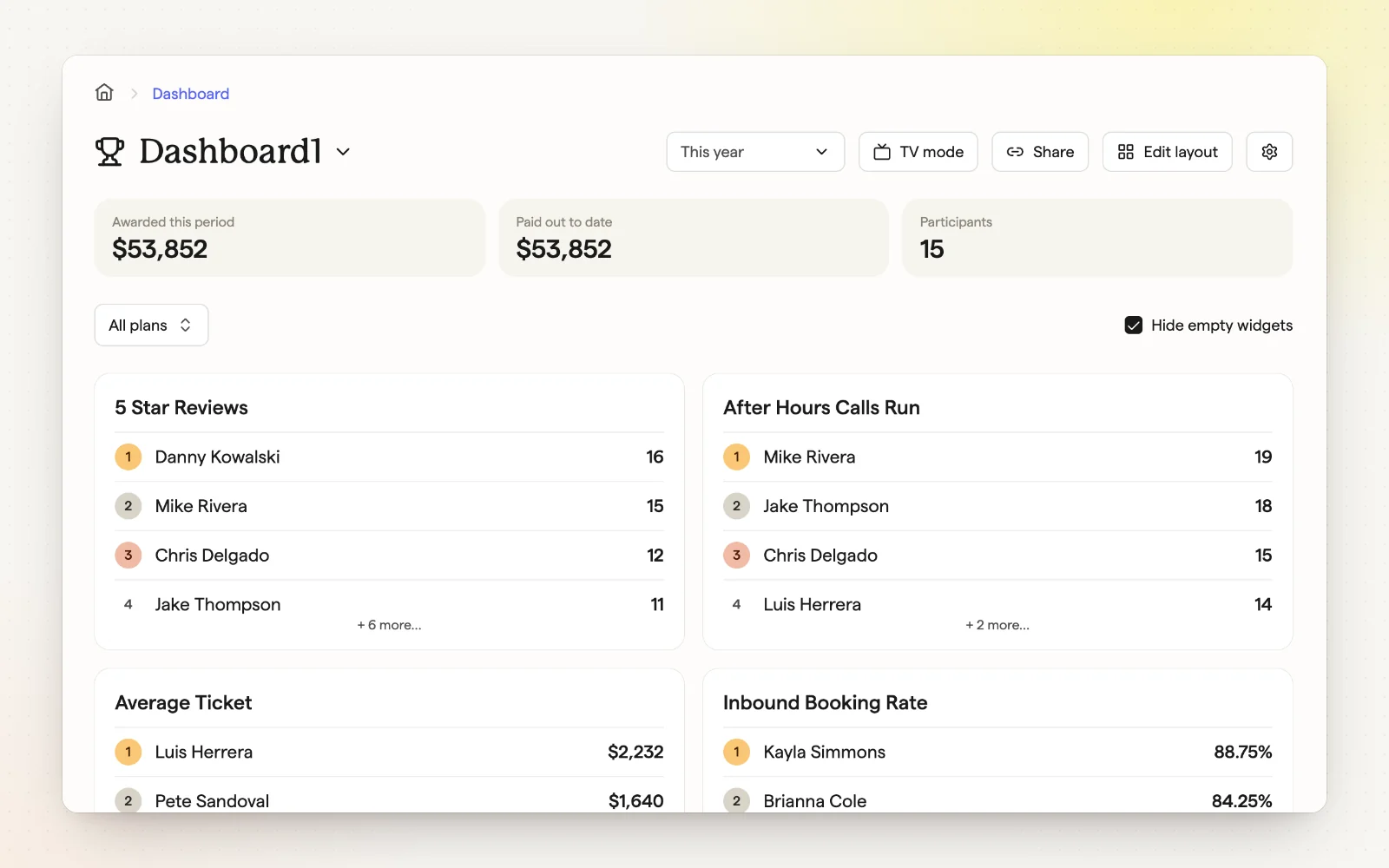
The Dashboard shows company and individual metrics, plus how much has been awarded and paid out. Build as many dashboards as you need and control what employees see.
How it works
- Add metrics and arrange them in a grid or a rotating view.
- Pick a date range like This week, This month or This plan period.
- Create, rename, duplicate or delete dashboards.
- Visibility ranges from “Full transparency” to “No visibility.”
Related
- TV display — Put the scoreboard on the office screen.
- Leaderboards — Live rankings on the numbers you pay for.