Getting started
Invite your team
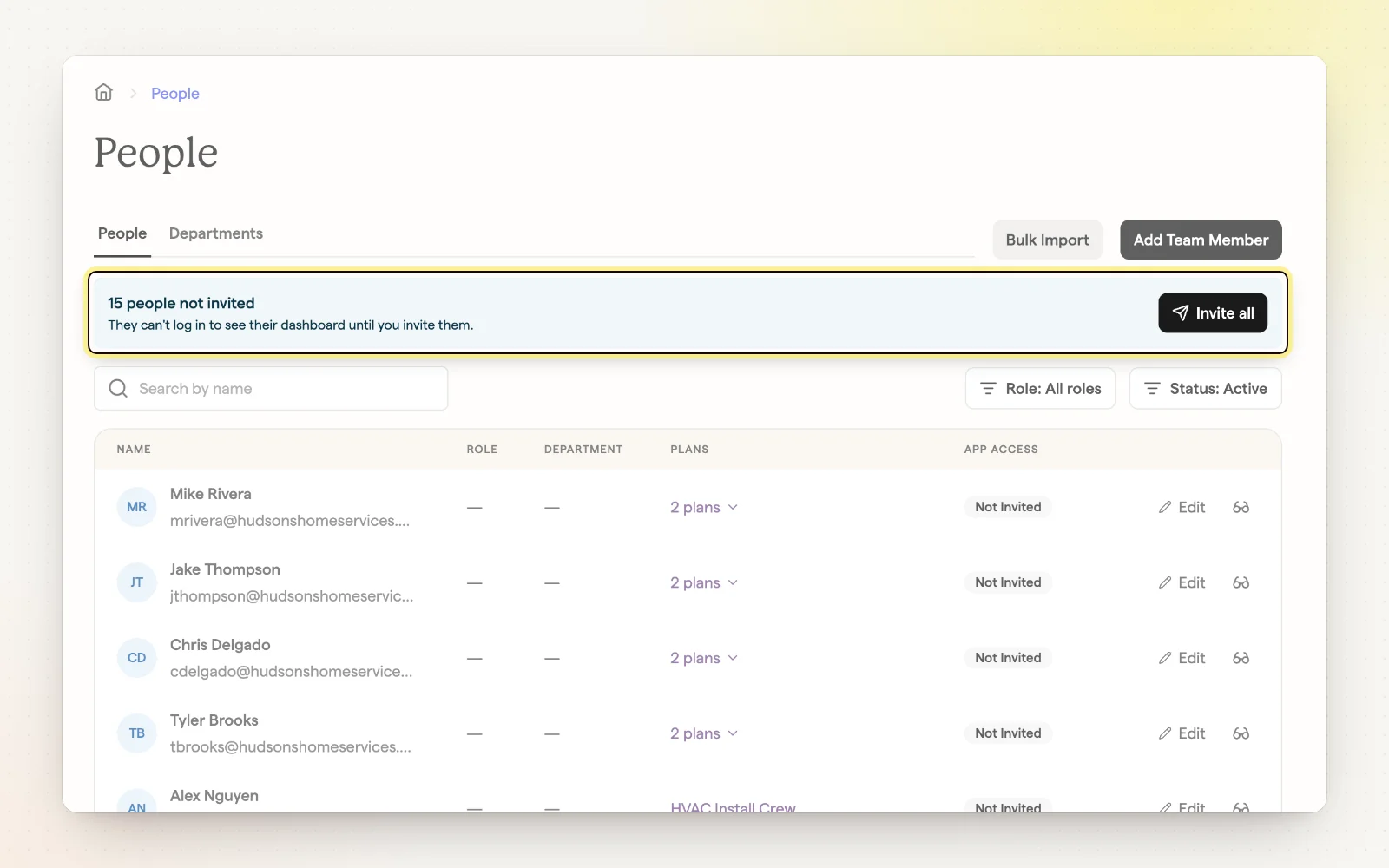
When you publish a plan, everyone in it can get an email invitation. New people use the link to set up their account; people who already have one get a link straight to their new plan and a push notification in the app.
How it works
- Choose “Invite Employees” when you publish to send invites right away.
- Resend invitations or copy a sign-in link from the People page.
- Technicians sign in on the mobile app or on the web.
- Add a phone number to someone's profile so they can sign in with a text code.
Related
- Participants and visibility — Control who's in a plan and who sees it.
- Signing in — Email, a text code, or Face ID.
- People — Add, edit and invite your team.