Team
What your team sees
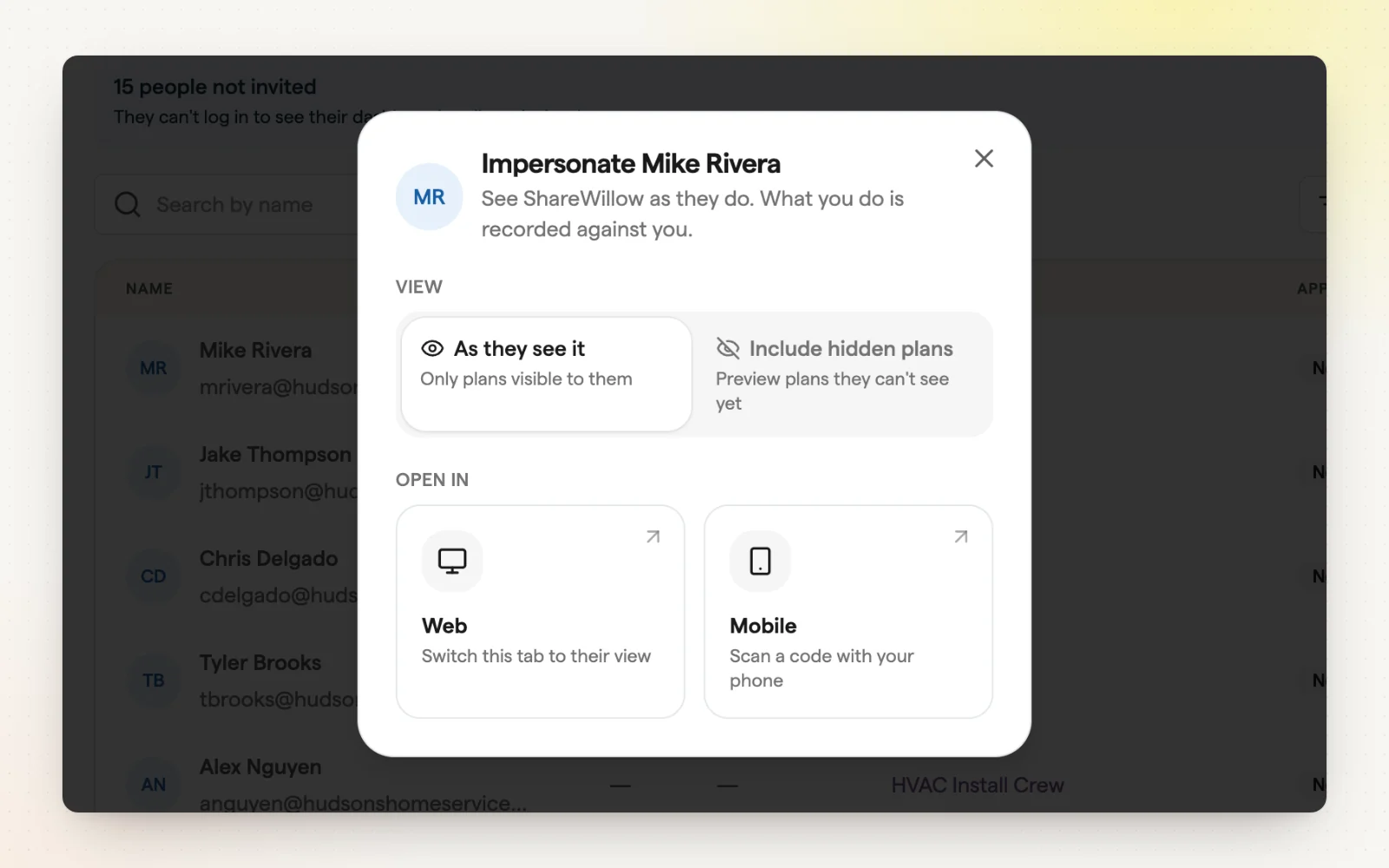
Employees sign in on the mobile app or the web to see their plans, progress and awards. You can open any employee's view to check what they'll see before you launch.
How it works
- Employees see active plans, projected awards and awarded year to date.
- Plan pages show Summary, Performance, Jobs, Awards and Documents.
- From People, open someone's view “As they see it” on web or mobile.
- Choose “Include hidden plans” to preview before a plan is visible.
Related
- The technician app — Technicians see their pay, live, on their phone.
- Sharing data with employees — Choose which numbers your team can see.