Payouts
Review and approve payouts
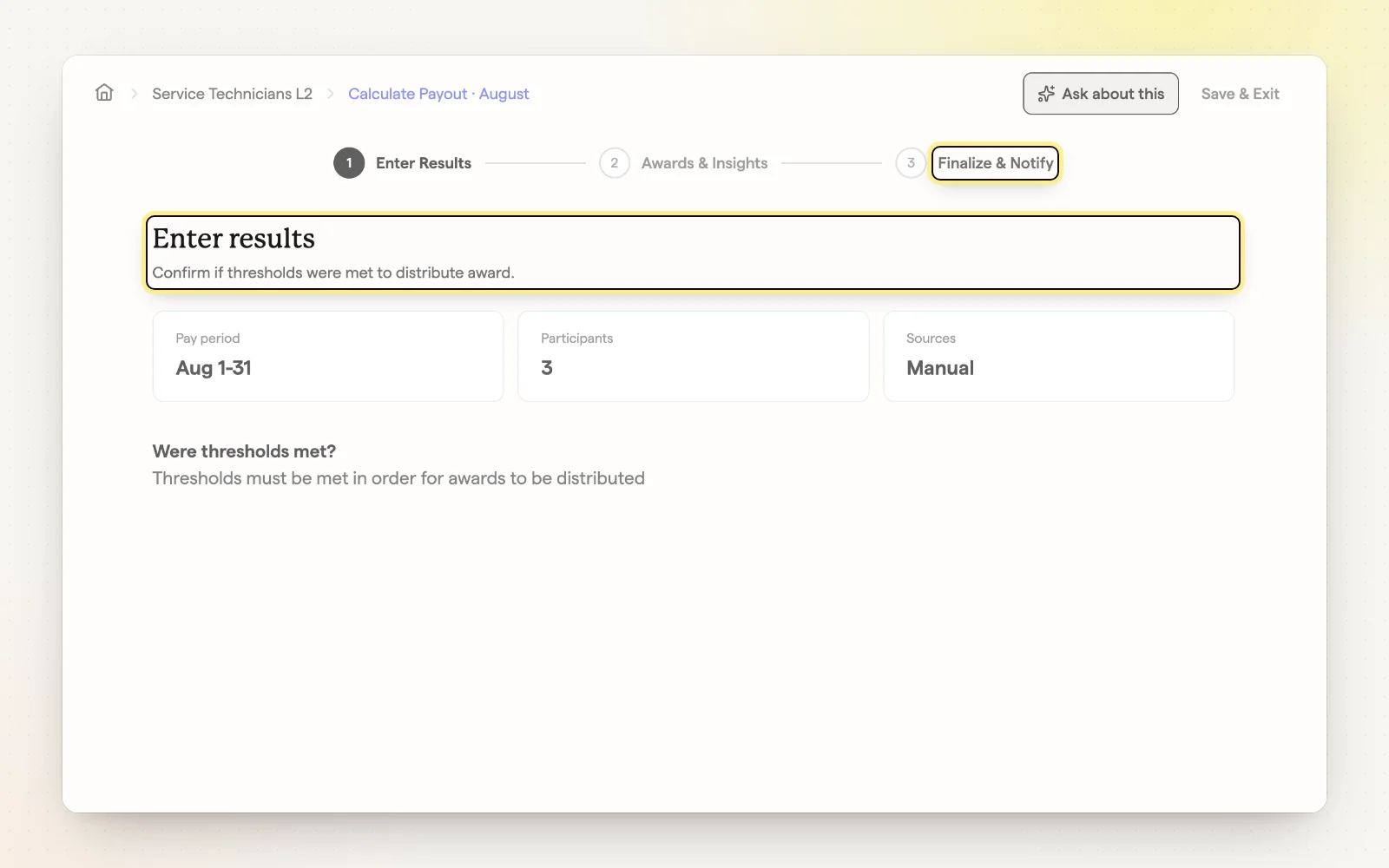
ShareWillow calculates every payout from your job data each period. When a period ends, its payout is ready for review: check the results and each person's award, then finalize.
How it works
- Confirm whether thresholds were met, then review performance results.
- “Review award breakdown” shows what each person earned and why.
- Add an optional note for participant emails.
- Click “Finalize & Notify” to approve and let everyone know.
Related
- Auto-confirm payouts — Let payouts confirm on their own when data is complete.
- Payroll export — Send payout amounts to your payroll.