Willow Texts
What Willow sends
Besides answering questions, Willow can start a few texts on its own. You choose which ones go out, and you can edit the wording of every message.
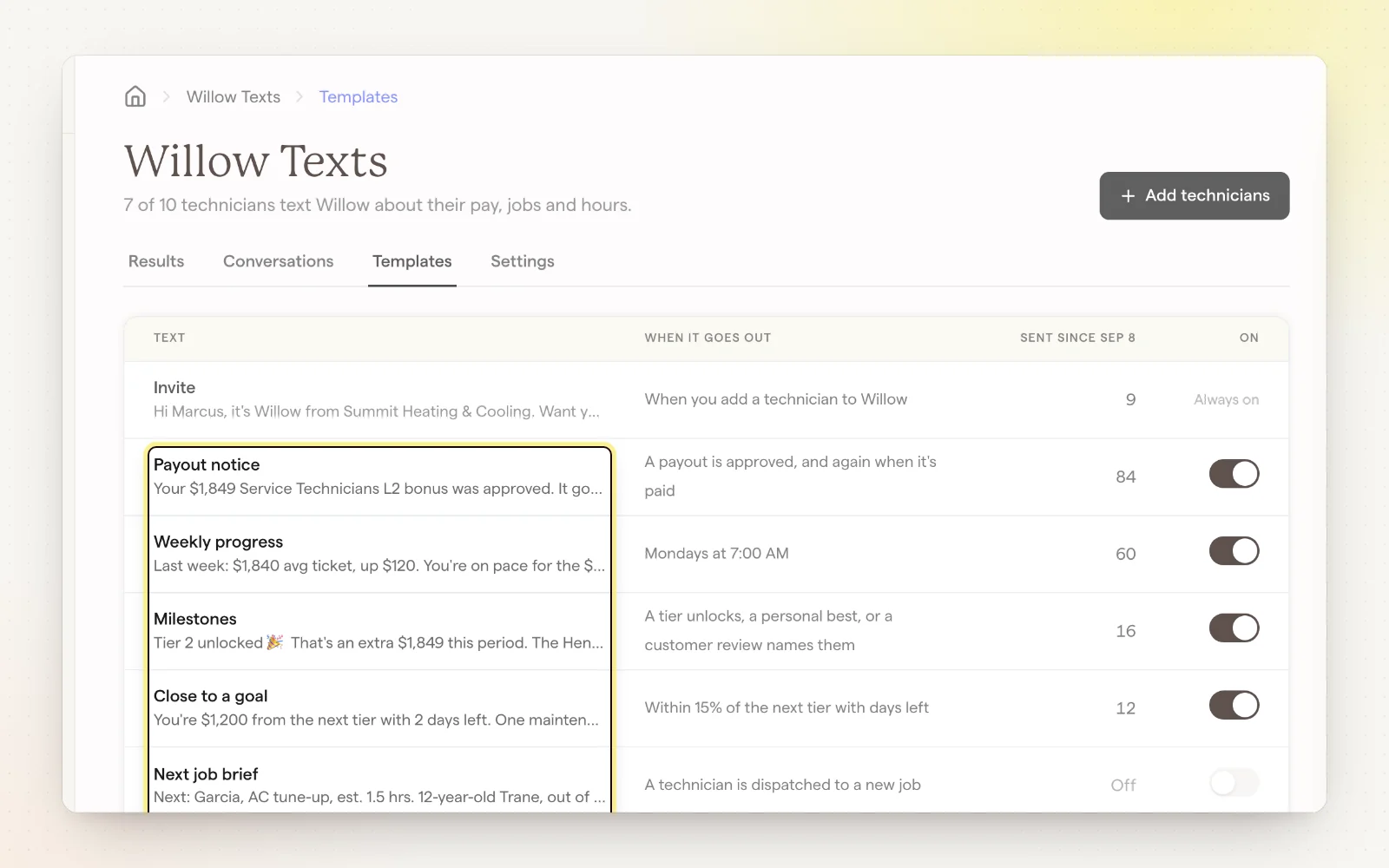
Automatic texts
- Payout notice: when a payout is approved, and again when it's paid.
- Weekly progress: every Monday at 7:00 AM, last week's numbers and how close they are to the next tier.
- Milestones: a tier unlocks, a personal best, or a 5-star review names them.
- Close to a goal: within 15% of the next tier with 3 days or less left.
- Next job brief: when a technician is dispatched to a job.
- Missing notes: end of day, if a finished job is missing notes.
Sending rules
Settings control when Willow is allowed to reach out. Answers to technicians' own questions go out any time.
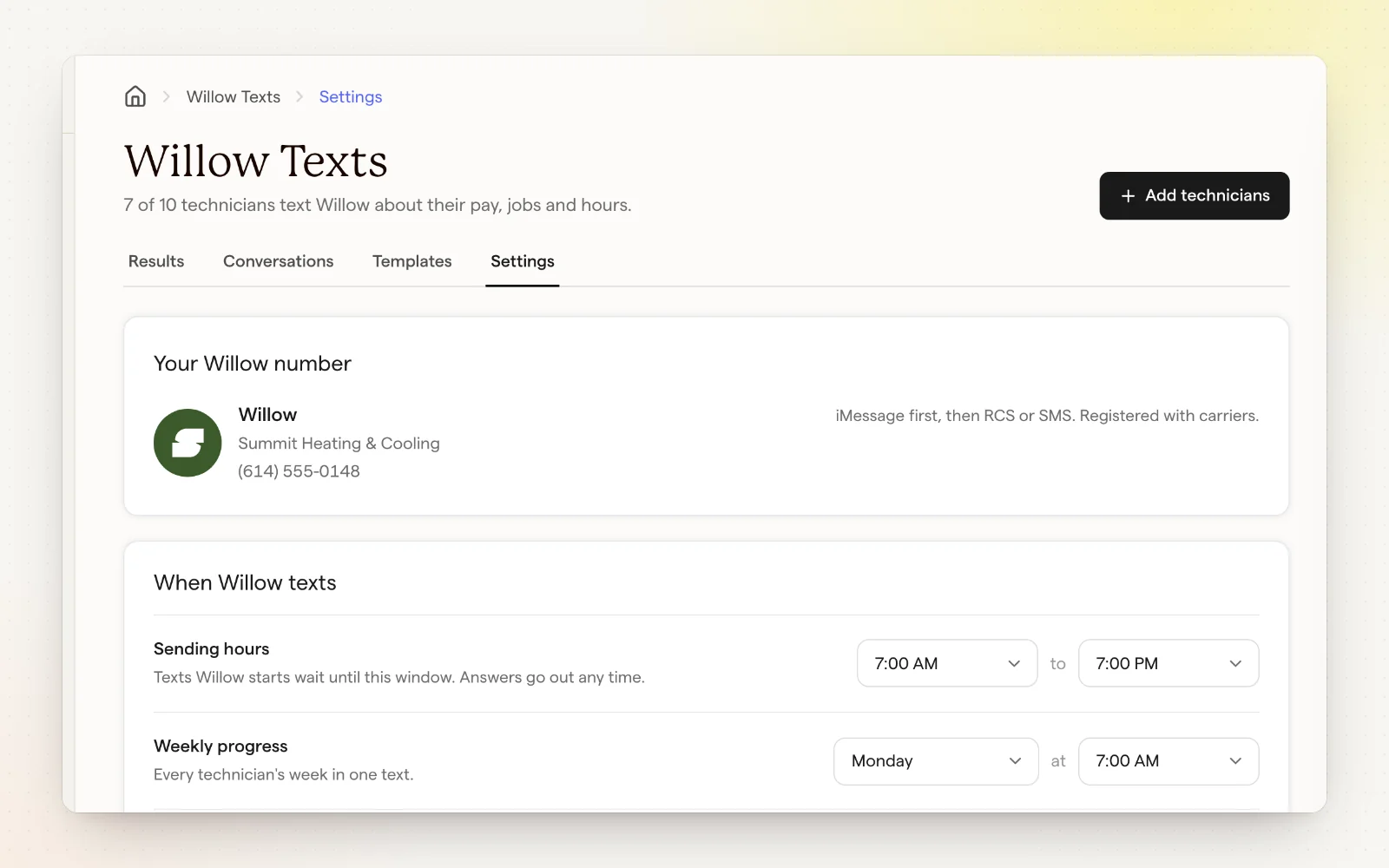
- Sending hours: 7:00 AM to 7:00 PM by default. Texts Willow starts wait for this window.
- Weekly progress: pick the day and time.
- Texts on Sundays: off by default, so Sunday texts wait until Monday morning.
- Texts Willow starts, per week: 3 by default. Payout notices, job briefs and missing notes don't count.
Related
- Set up Willow Texts — Four steps, about two minutes.
- Payout history and reports — Everything you've paid, across every plan.