Integrations
Jobber
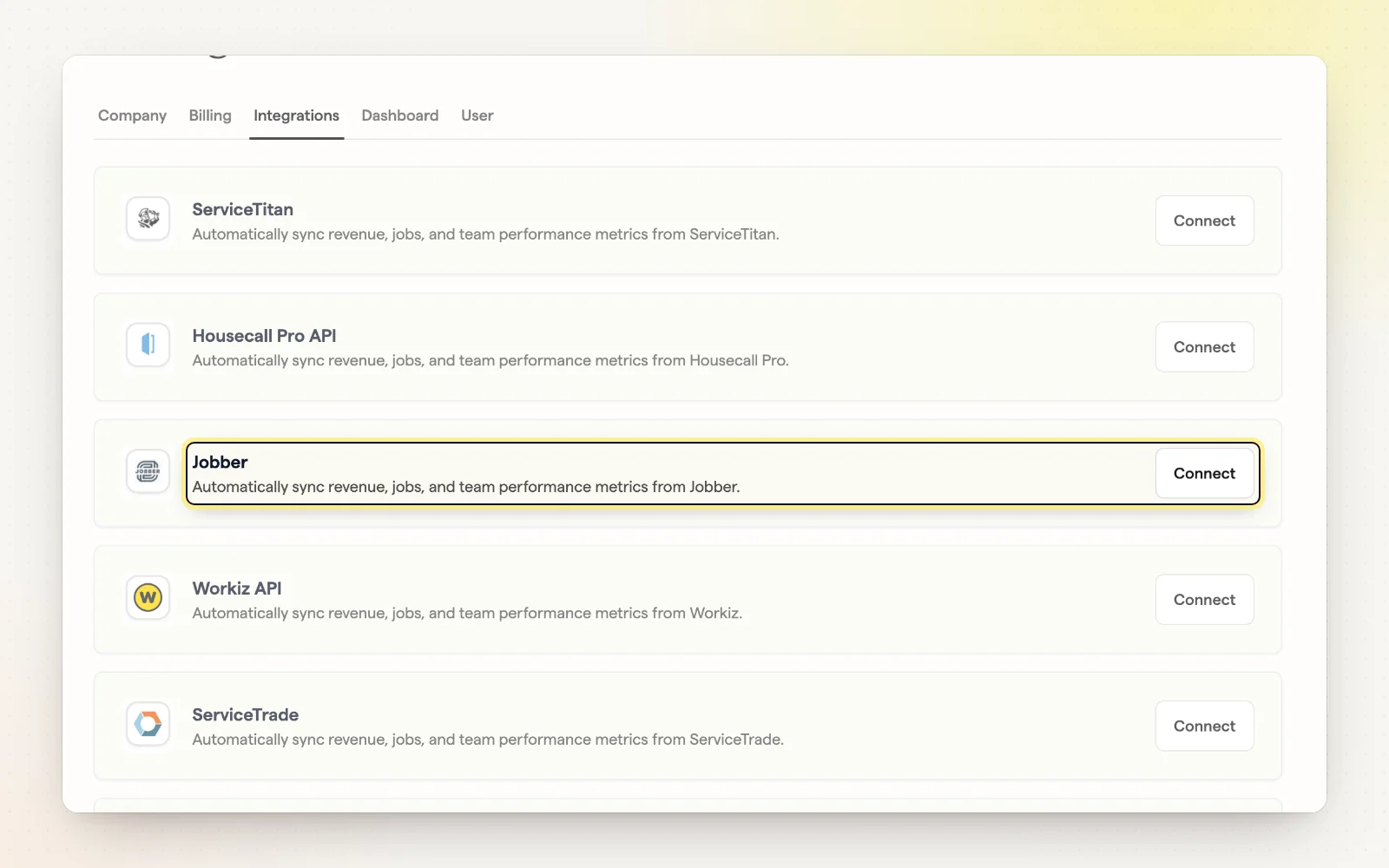
Connect Jobber from ShareWillow or the Jobber App Marketplace and approve access. ShareWillow syncs jobs, visits, invoices and timesheets, and matches Jobber users to your employees.
How it works
- Click “Connect Jobber” and approve access in Jobber.
- Pull jobs or technician timesheet reports into datasets.
- See a warning when jobs are skipped because a user isn't matched.
- Unlock Salesperson and Crew plan templates.