Getting started
Create your account
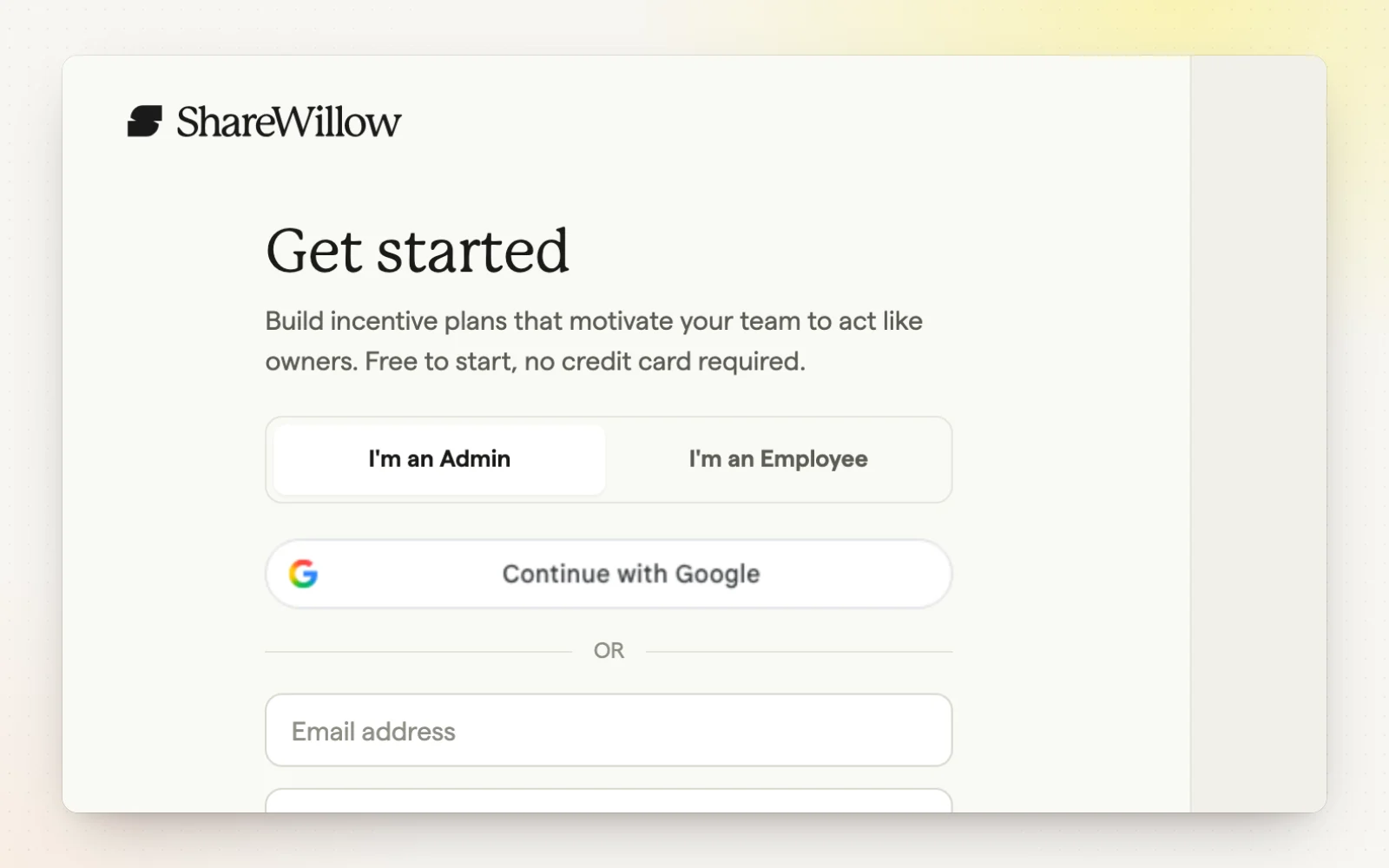
Signing up walks you through a short Get Started wizard that creates your company's ShareWillow workspace. Your answers help ShareWillow recommend a starting plan built around your goals.
How it works
- Sign up with email and password, or with your Google account.
- Tell us your trade, your role and the field service software you run jobs in.
- Connect your software during setup, or skip and connect later.
- Invite other admins, like an ops manager or co-owner.
- Finish with “Build my first plan” to jump straight into plan setup.
Related
- Setup checklist — Every step from sign-up to your first payout.
- Integrations — ShareWillow runs on the software you already use.