Mobile app
Notifications and emails
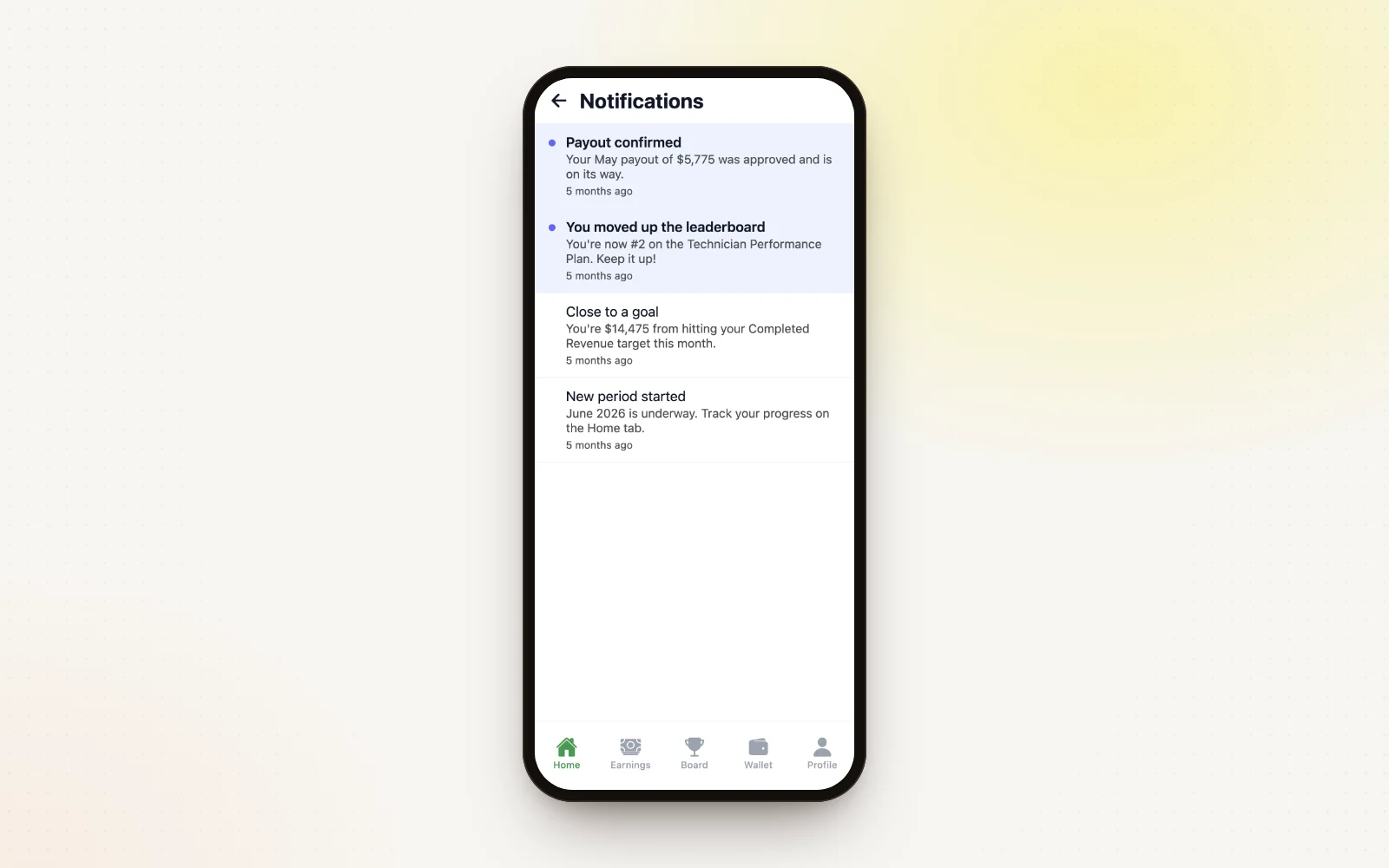
ShareWillow lets technicians know about the moments that matter, by push notification in the app and by email.
How it works
- “You received a payout!” with the amount, once a payout is confirmed.
- “You've been enrolled in a plan!” when they're added to a plan.
- Payout result emails explain the award, or why a goal was missed.
- Past notifications live under the bell on Home.
- Turn push notifications on or off in the phone's settings.