Team
People
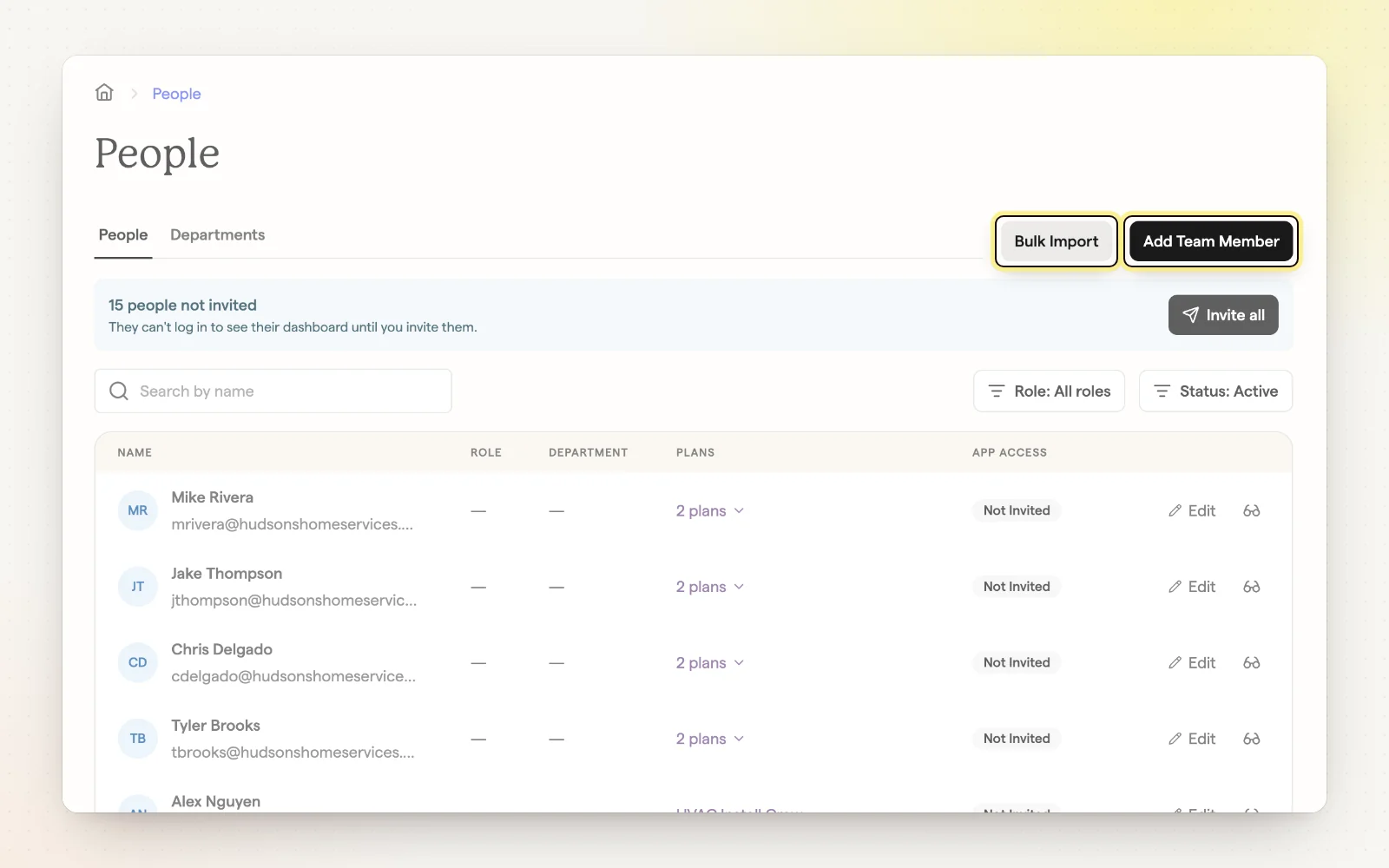
The People page lists everyone at your company with their role, department and app access. It's where you add team members and invite them to see their plans.
How it works
- Click “Add Team Member” to add someone with pay, role and start date.
- Use “Bulk Import” to upload a CSV of employees.
- Send invitations by email, or copy a sign-in link.
- Remove someone to take them off plans and mark them inactive.
Related
- Import and match employees — Sync your roster and match names in job data.
- Departments and roles — Organize your team for plans and reporting.