Mobile app
Signing in
Technicians sign in with the email invite from their plan, or skip the password and use a code sent by text. After the first sign-in, Face ID or fingerprint unlock keeps it one tap.
How it works
- Tap Log In to use email and password, or Sign in with phone number.
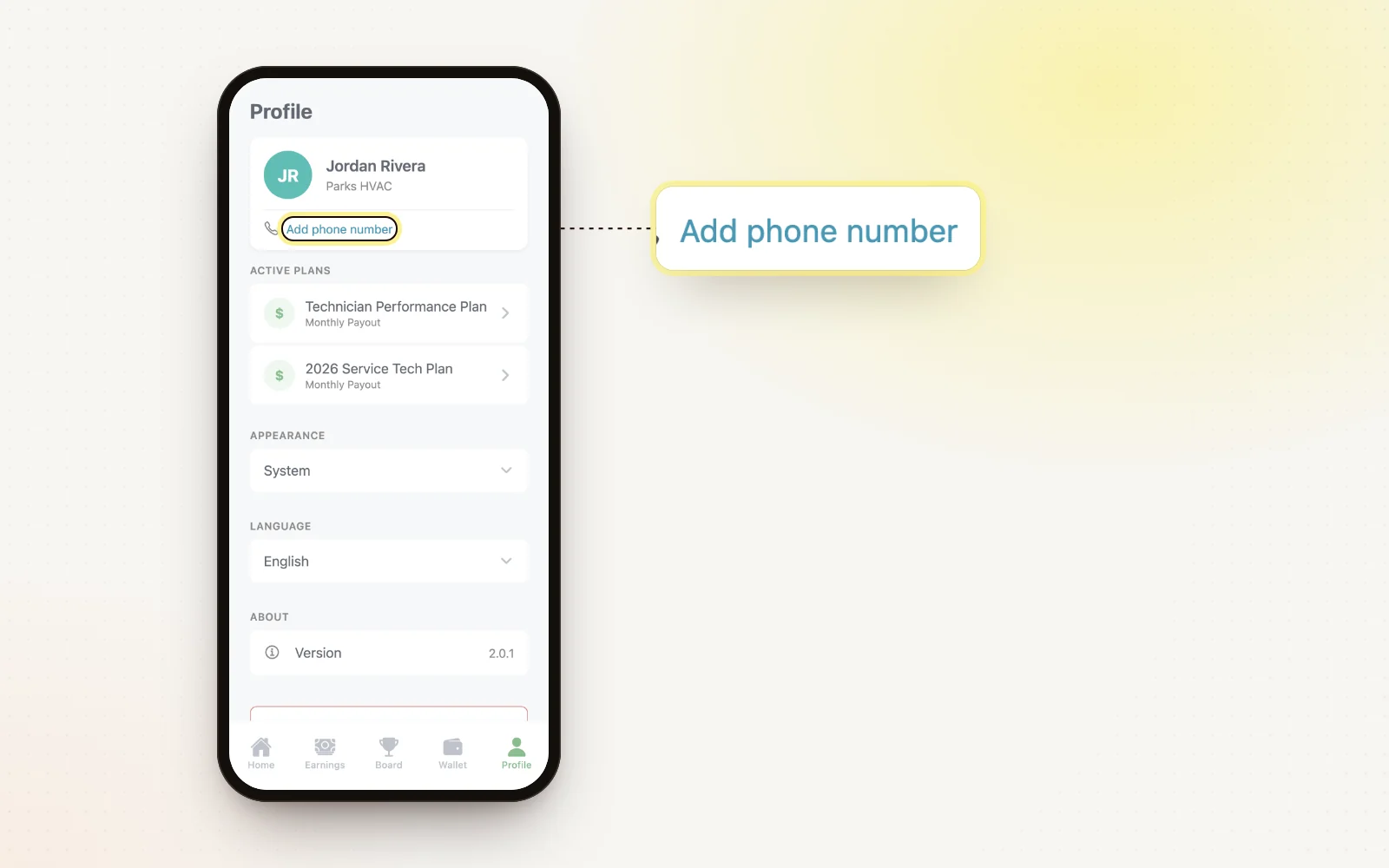
- Phone sign-in texts a 6-digit code to the number on their profile.
- Turn on Face ID, Touch ID or fingerprint unlock after the first sign-in.
- Use “Forgot your password?” to get a reset email.
- New users get a short welcome tour they can skip.
Related
- Invite your team — How technicians get their invite and first sign-in.
- Profile, language and settings — Phone number, Spanish, dark mode and sign-in.