Plans
Managing live plans
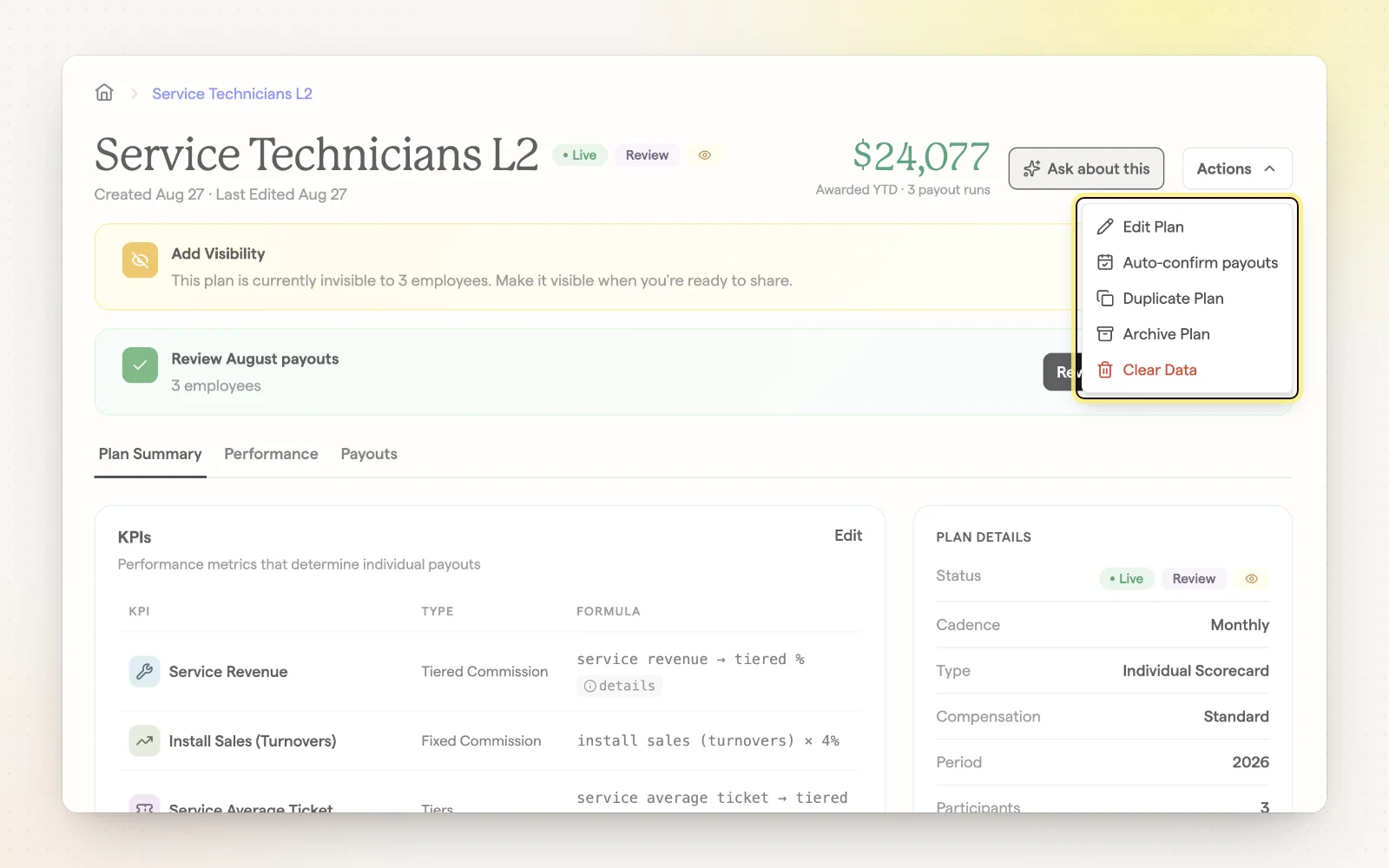
Each plan has a details page with Plan Summary, Performance and Payouts tabs. It's where you watch progress during the period and make changes after launch.
How it works
- See awarded year to date, participants and results by period.
- Duplicate a plan from the Actions menu to use it as a starting point.
- Archived plans move to Completed; their confirmed payouts stay in history.
- Change a plan's start date, including to an earlier date.
- A banner flags when the plan's data needs a look.
Related
- Overview — Tour a plan's details page and each of its tabs.
- Connect a plan to data — Point a plan at the report it should read.
- Payout history and reports — Everything you've paid, across every plan.